
Code, craft, and the making of nested folders






From treating code as a proposal to turning handoffs into conversations, here's how we shaped a new way of working to ship nested folders.
Share Code, craft, and the making of nested folders
Hero illustration by Sebastian Cestaro
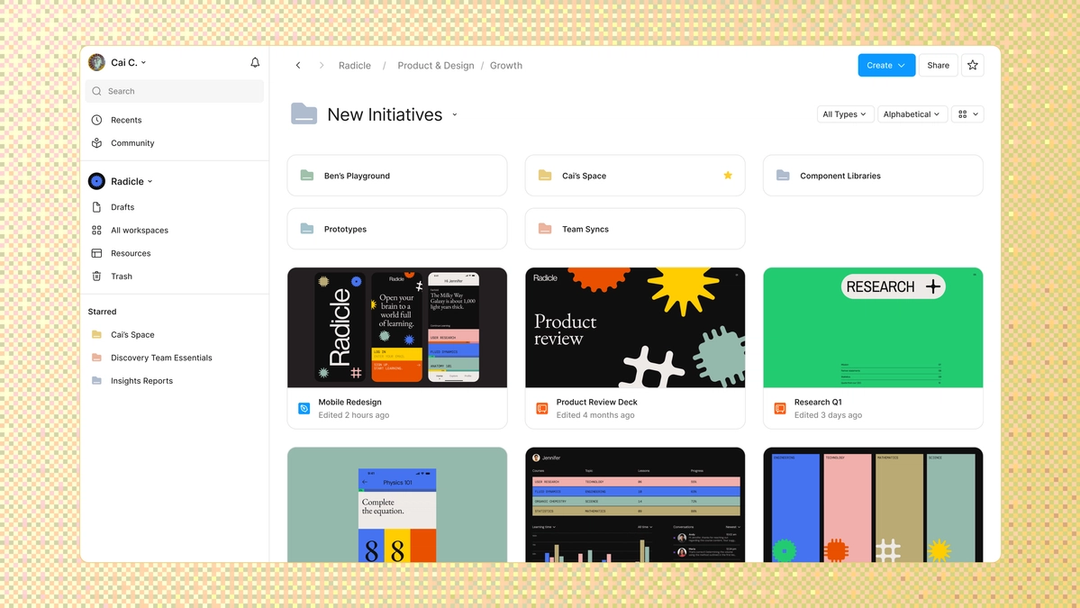
Today, we’re excited to introduce nested folders, a long-requested feature that helps growing teams keep their files organized as they scale content and tackle complex projects. Nested folders may sound like a straightforward quality-of-life improvement, but building them required rethinking Figma’s underlying content and permissions model from the ground up—everything from the file browser and admin controls to sharing, permissions, and core infrastructure.
When we started the project a year ago, we followed a traditional product development process: Product worked through the requirements, design mapped the experience, and engineering began building once the thinking felt resolved. Midway through the project, the context changed. On the one hand, our team was pursuing new AI-native capabilities that divided our resources. On the other, tools like Figma Make With visual editing and annotations, Figma Make is bridging the gap between design and code. Select any element you want to change, adjust it directly in the properties panel, or write in-context prompts with annotations. The Figma MCP server reaches further across the platform than it ever has. From updating a living deck to shipping a design to production—here's what that looks like in practice. From sharing your best thinking to learning from your team’s go-to prompts, here’s what skills unlock in the Figma agent. From visual editing to contextual prompting and collaboration, Figma Make is expanding how teams can design with code. Prompting gets you started. Custom tools, real context, and skills take the design agent further—so what ends up on the canvas actually looks like you.A properties panel and annotations, now in Figma Make

4 ways we’re using our MCP server at Figma

Got skills? Make the Figma agent a better collaborator
Figma Make, now on your local code

Figma’s design agent, now with custom tools and greater context

To match these shifts and ship nested folders, we leaned into a new way of working:
- Led with code: As code became cheaper to produce, we moved faster by spinning up pull requests (PRs) to test our ideas instead of getting lost in theoretical discussions.
- Shifted responsibilities: We worked with flexibility to address each problem, so engineers made design calls, our designer pushed code, and our product manager traded day-to-day execution for tackling bigger strategic questions.
- Exchanged handoffs for conversations: Blurring roles made us students and teachers in turn, and sharing the parts of our craft we used to guard built the trust the work needed.
Here’s how those changes looked from three perspectives across engineering, design, and product. Together, they show how our team found ways to deepen the relationships supporting the work, combined skillsets, and stayed focused on shipping the right experience or solution.
Software Engineer Ethan Adams on reaching new velocity with code
A few months into this project I realized that the typical product development process would take too long. It was like being halfway through a final exam, looking up, and discovering that there were only five minutes left on the clock—we had to move faster.
Rather than debating product requirements (“Who should have access to X?”) in sprawling Slack threads or meetings, we led with code as the proposal. These discussions had been valuable prerequisites when writing code was expensive and time-consuming, but we're in the era of agents. Instead of guessing if an idea would work, we simply spun up a PR to prove it.
We merged code as long as it didn’t break anything. This made it possible for us to quickly sketch ideas and show them to our cross-functional partners in a real, live testing ground. Copy not perfect? No worries. Functionality lacking? That was alright. Logical gaps? We could fix those later! In practice, this was a huge unlock for our velocity, and built confidence in the proposals we eventually selected. A working demo in your actual codebase beats a Product Requirements Document (PRD) every time.
Even though I had the green light to make product decisions as an engineer, I still relied on our Product Manager Sachi Shah as a thought partner to share ownership. Our collaboration used to look like a waterfall: She decided a requirement, and I implemented it. This time, it looked more like a verification loop: I led with a proposal, merged prototypes into staging, solicited feedback from Sachi, smoothed out the rough edges, and finally deployed the finished product.
Product Designer Cai Charniga on going from pixels to pull requests
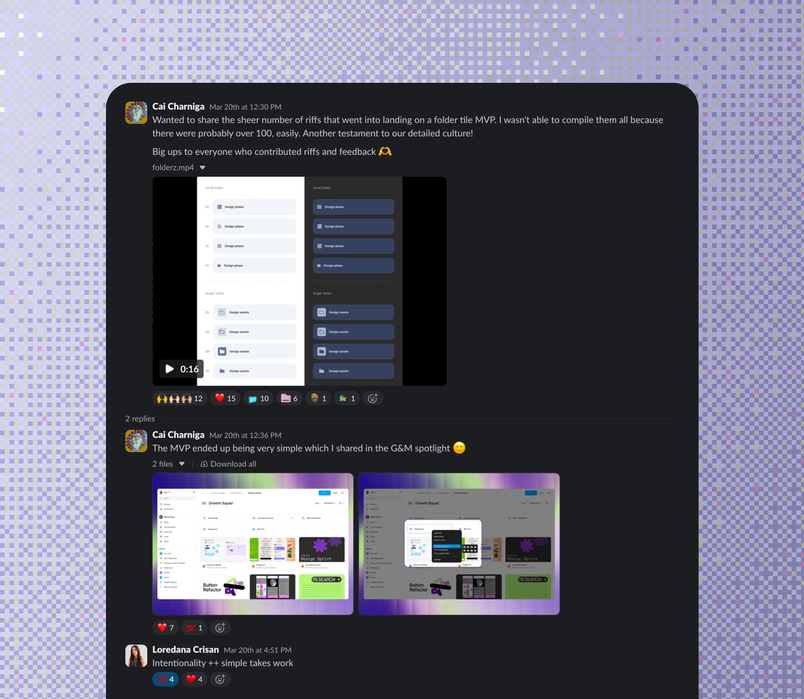
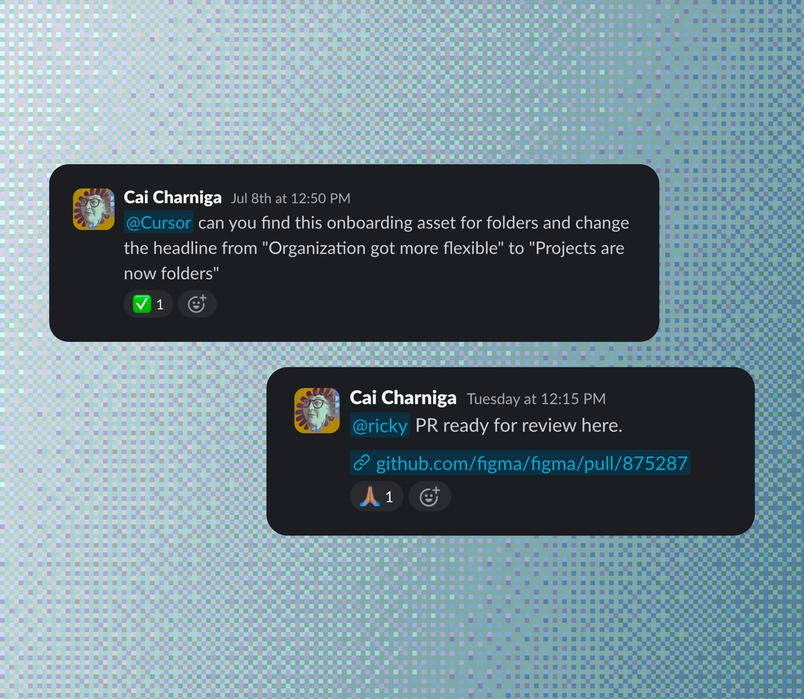
I have a confession: My PR count is pretty low for this project. Two, maybe three. I didn’t magically cross over and become an engineer, but we all started stepping into roles that used to exclusively belong to someone else.
On this project, the engineers had strong instincts for structure, and a deep understanding of how complex enterprise permissions work inside a tool like Figma, so they regularly came to me with flows and design tweaks. When you have a strong design system giving people guardrails, and enough trust that they feel free to make the call, an engineer can go deep on a design feature and get it to a really solid state. This meant that when someone was at capacity, the work didn’t stall waiting for the right person to pick it up.
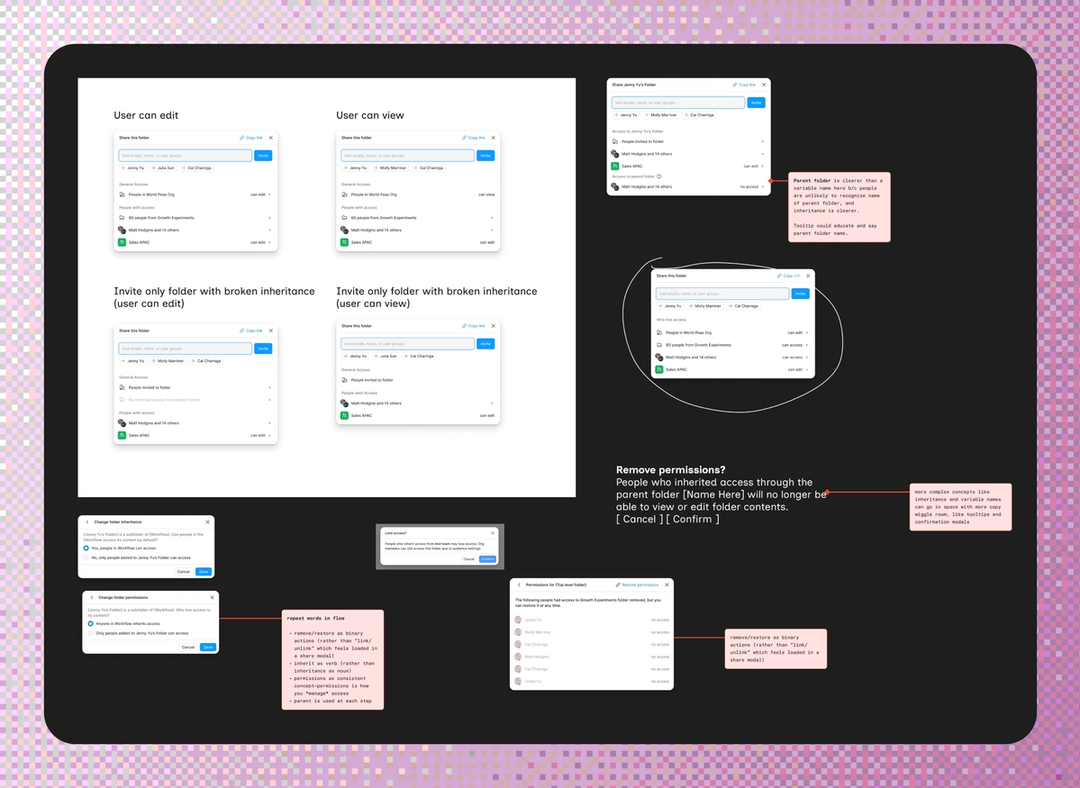
For example, we were working through our folder sharing flows: how the share modal should communicate inheritance for users with view or edit access, and how to handle the trickier cases where inheritance is broken. Software Engineer Jenny Yu stepped in and mocked up a few options. From there, I brought in our UX writer, Molly Rosen Marriner, and the three of us built on Jenny's approaches on the Figma Design canvas: Jenny keeping the flow technically sound, Molly sharpening the permissions language, and me shaping the visual hierarchy.

It ran the other way, too. There were times I picked up a change, got into the code, and realized how much was happening under the hood—enough that I'd go back to the team and say, “Honestly, this one shouldn't be mine.” Knowing where your expertise runs out is its own kind of craft. Even so, I think every designer should try to push a PR. When Ethan set me up with CoderBox, our sandbox for spinning up code environments, I felt how long certain changes took to build before I could even preview them, and that did more for my empathy than any handoff ever had.
Engineers could carry design work, and I could get into the code myself. That gave me room to go deep where it counted, running through more versions of the folder UI than the old handoff model would ever have allowed.


Product Manager Sachi Shah on trading control for conviction
With this new way of working, the first thing I had to let go of was the assumption that good product thinking had to come exclusively from the PM. My job became matching the right people to the right problems, giving them room to run, and knowing when to step back in.
Jenny Yu became one of my closest thought partners on critical content operations like how people move, duplicate, and transfer folders across Figma. Ricky Zein, also a software engineer, owned the experience for individual users and smaller teams, whose needs are often different from those of enterprise customers. And Data Scientists Patrick Kehinde Jr. and Eric Aberbook mapped how the new permissions model would affect each cohort, helping me pressure-test our assumptions and focus on the biggest risks.
Letting go of day-to-day execution gave me more time to focus on the strategic question underneath the project: Did better file organization still matter in an AI-first world, or were folders becoming archaic as AI search improved? We built artifacts that helped us see how folders could matter even more as people created more work—giving future AI search richer structure and context to retrieve against. But what helped most was stepping back to build a balanced portfolio of bets. Alongside nested folders, our team sprinted to launch skills in the Figma agent From sharing your best thinking to learning from your team’s go-to prompts, here’s what skills unlock in the Figma agent.Got skills? Make the Figma agent a better collaborator
Within the project itself, the most important place for me to redirect my attention was toward customers. I took on running the early-access program (EAP), and we got really scrappy. At Config Push past what you thought was possible with code layers, Figma Motion, shaders, generative plugins and Weave tools, all on the canvas. From São Paulo to Seoul, Friends of Figma chapters around the world are distinct, vibrant, and locally rooted. Our new brand gives them a more authentic way to express themselves.
Config 2026: New materials, new tools and a more expressive canvas

A new chapter: Friends of Figma’s brand refresh tells the story of a global community

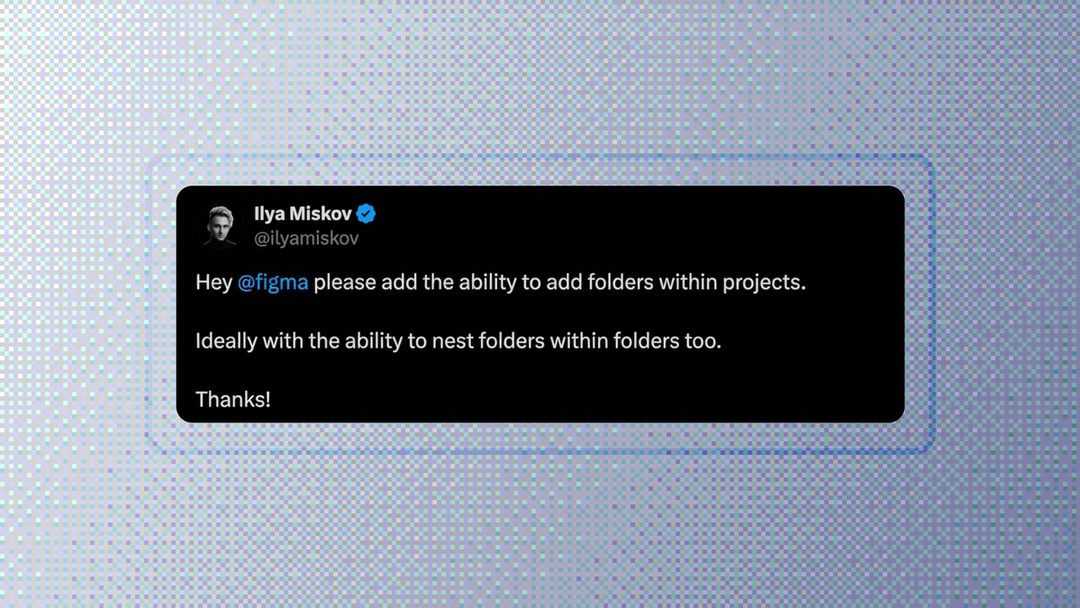
Customer feedback showed us how nested folders behaved inside live organizations, with messy files and established habits. It helped us catch bugs, fine-tune the experience, and reduce the risk of migrating customers to an entirely new content model.
Time in the room with customers gave me a kind of product clarity I couldn’t get from speccing alone. Trading control for conviction required me to step into the work I was best positioned to do, while trusting other people to do the same.
This way of working only works when the team trusts one another. Candidly, blurring roles was awkward: There were moments when we stepped on each other’s toes, crossed a boundary clumsily, or tried something we’d never done before. That discomfort was part of finding a new normal, and we could only move through it because we had invested in the relationships underneath the work. Over time, we became less precious about our individual domains and started actively teaching one another the parts of our craft we had previously held most closely.
We kept trust and context intact through shared rituals: weekly bug bashes, cross-functional syncs, live pairing between design and engineering, and celebrations of major milestones—including launching internally to all of Figma. Those rhythms kept us anchored on the same goal, delivering on an eagerly anticipated customer promise without compromising quality.
Nested folders will take a few weeks to roll out to all users. Visit our help center to learn more about how to get started.
Ethan Adams is an engineer at Figma. He holds the rare hat-trick accomplishment of holding a patent, publishing a peer-reviewed research paper, and releasing an EP to millions of listeners.
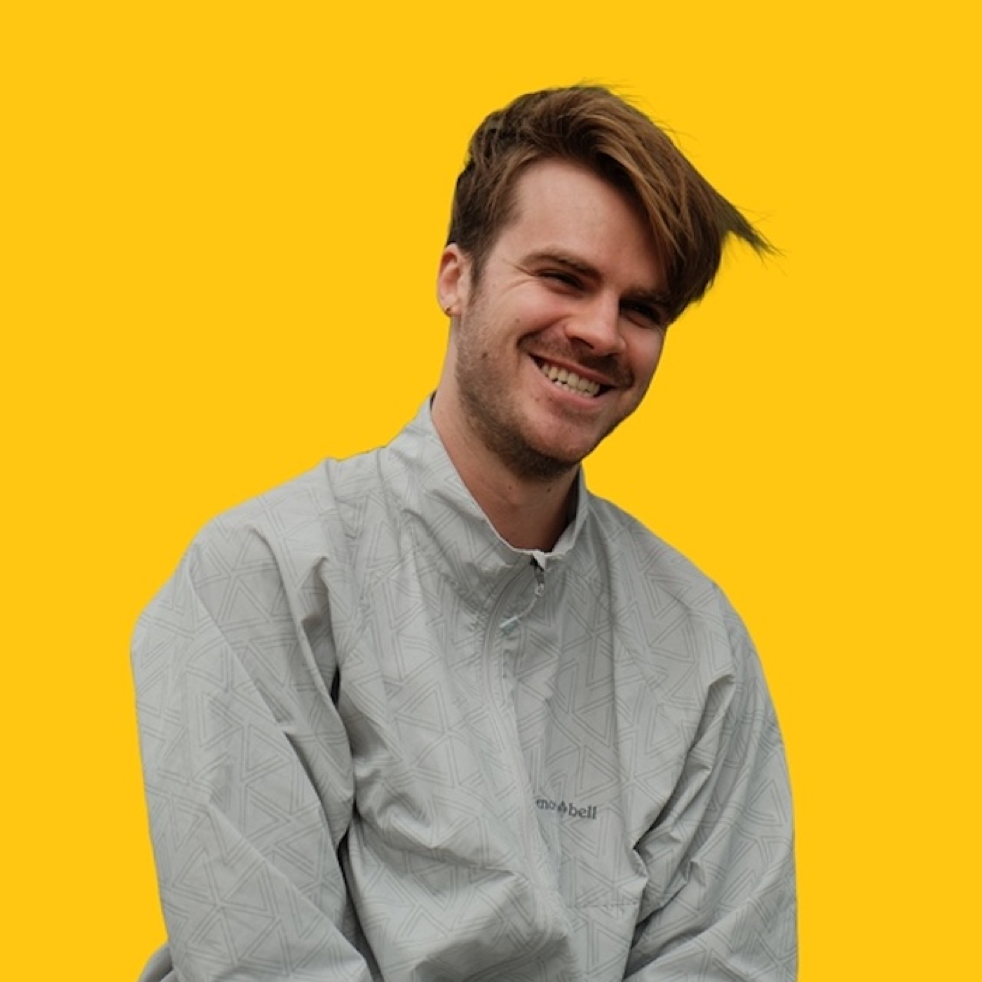
Cai Charniga (they/them) is a product designer at Figma who also founded the company's DesignOps function. They also tattoo professionally out of a private studio in Brooklyn.
Sachi Shah is a product manager at Figma. She came to product by way of a degree called Leadership in Creative Enterprise, which she designed at Carnegie Mellon. Outside work, she creates figurative oil paintings and trains in Muay Thai.