Figma Make

Prototype. Polish. Ship.
Your ideas get real in Figma Make.

Design and ship

Use Make locally to build in any codebase, then ship right to production. Coming soon.

The products you love are designed in Figma

Figma Make has shortened the path from idea to finished feature in a way I can’t imagine replacing.

Black and white headshot of Brian Muehlenkamp
Brian Muehlenkamp

Product Manager, Ticketmaster

Create anything. Keep the control.

Figma Make is a powerful partner, and you get to shape the details. Start with design context, prompt, then edit on the canvas.

Spin up realistic prototypes quickly.

Start from your codebase and design assets, or from scratch.

Create anything. Keep the control.

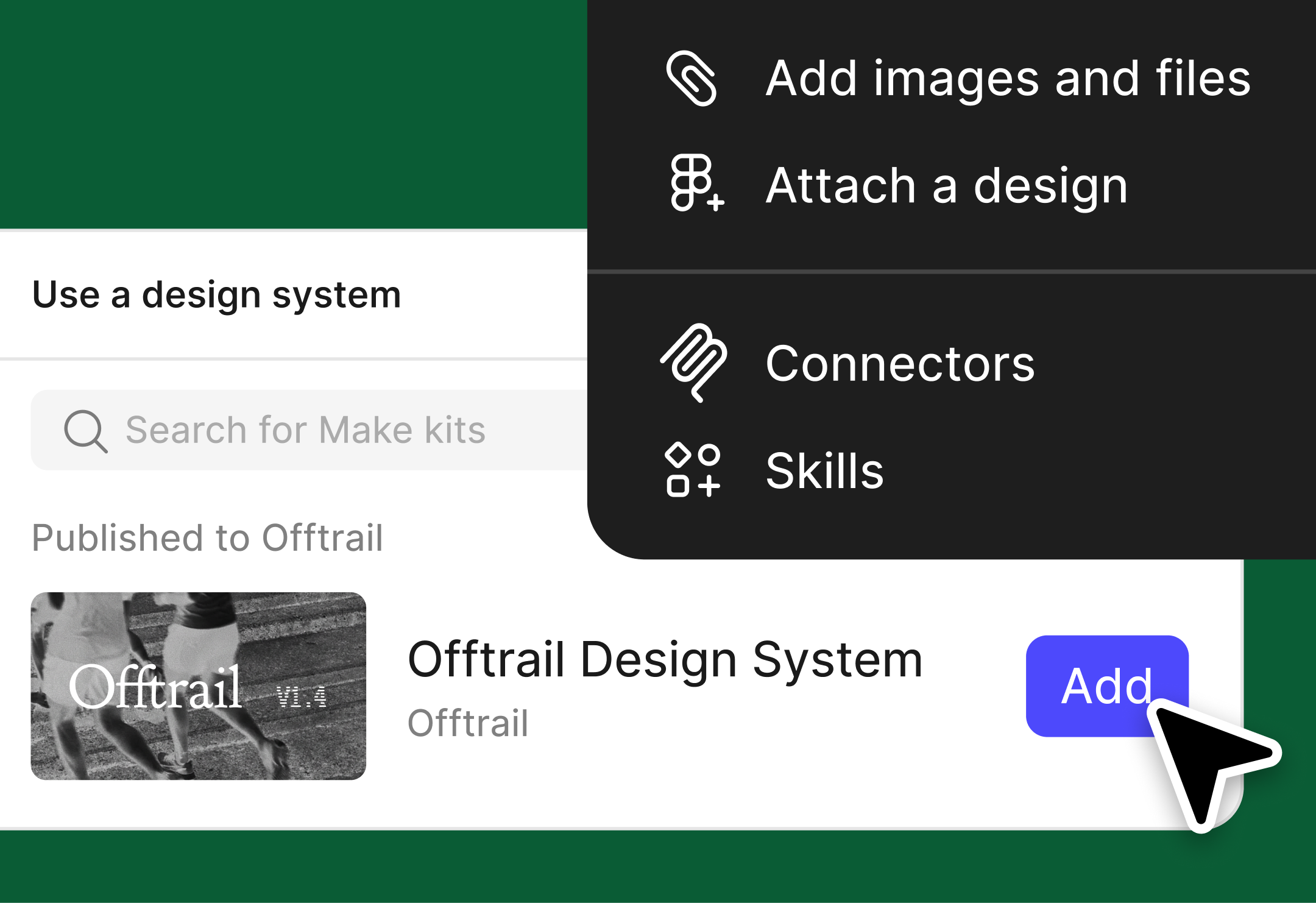
  • A pop-up window displays available Make kits with a cursor hovering over the "Add" buttonA pop-up window displays available Make kits with a cursor hovering over the "Add" button

    Add design context to all your Makes.

    Bring in design systems using Make kits and npm packages, or attach Figma frames, PDFs, and more.

  • Polish fine design details.

    Copy Figma Make files to the canvas, where you can tweak until they’re right.

The products you love are designed in Figma

With tools like Figma Make, we are now able to quickly prototype. Instead of it taking six weeks to think about an idea and then see what it looks like in action, it takes just a few hours.

Black and white headshot of Vishal Kapoor
Vishal Kapoor

SVP of Product, Affirm

  • airbnb logo
  • atlassian logo
  • dropbox logo
  • duolingo logo
  • github logo
  • microsoft logo
  • netflix logo
  • pentagram logo
  • slack logo
  • stripe logo
  • the new york times logo
  • zoom logo

Figma Make features

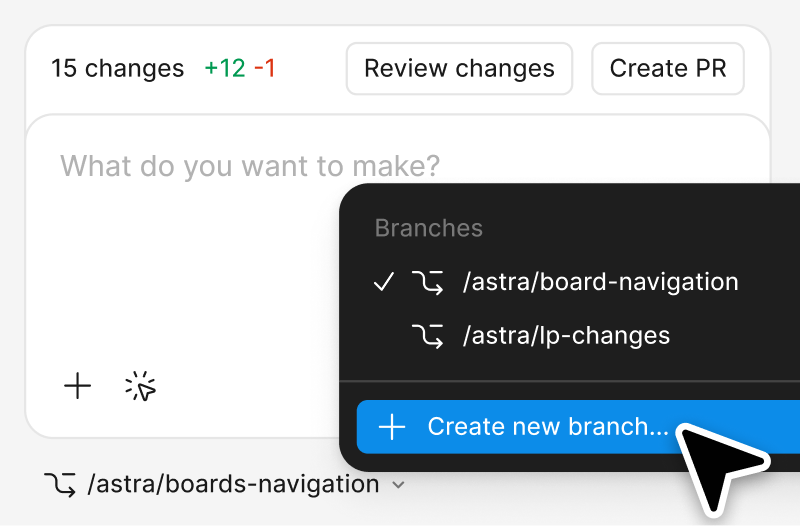
  • Make on your local codebase (Beta)

    New

    Convert your Figma designs into localized, production-ready assets in Make's visual software editor. Coming soon.

  • Custom skills

    New

    Package your most frequent workflows into a reusable set of instructions for Make.

  • MCP connectors

    Connect to external tools via the MCP, allowing you to work with documents, tasks, and data from other apps as context for your app or prototype.

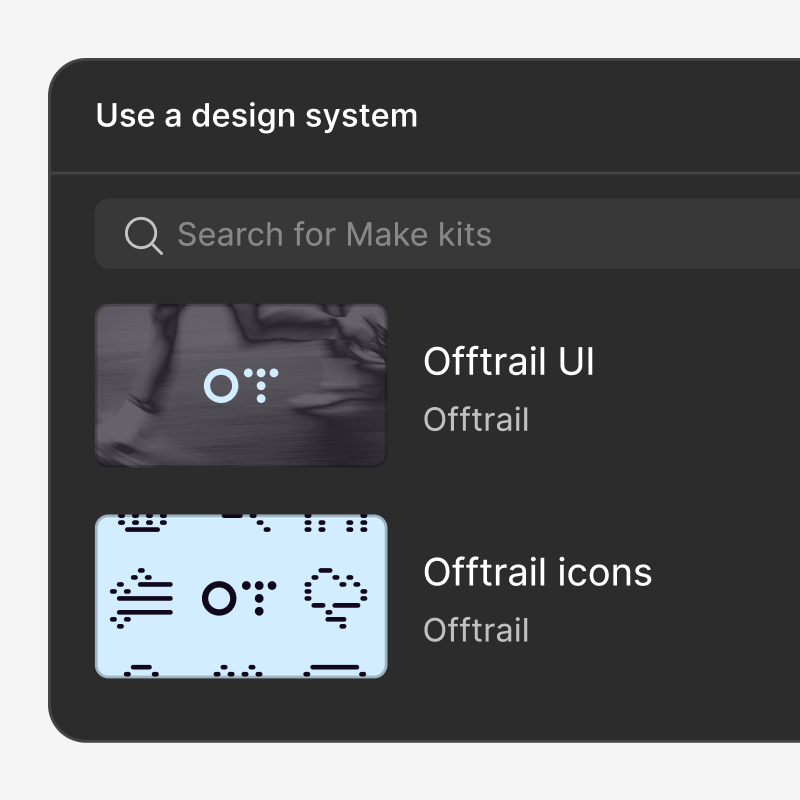
  • Make kits

    Two different design systems libraries, one for the user interface, the other for the product iconsTwo different design systems libraries, one for the user interface, the other for the product icons

    Sync your npm packages, library styles, and guidelines directly with Figma Make to generate high-fidelity prototypes.

  • Plan mode

    New

    Plan before building. Clarify intent and create a structured, editable plan before generation starts.

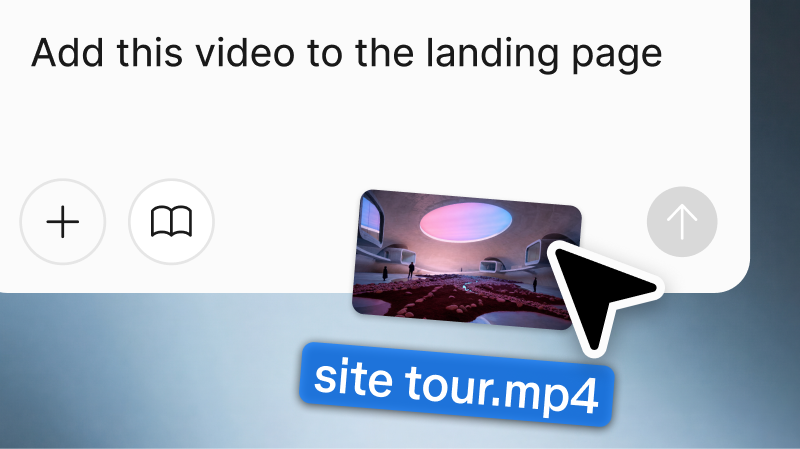
  • Attachments

    A Figma Make prompt box with the text "Add this video to the landing page." A cursor is attaching a video of a museum site tour to the prompt boxA Figma Make prompt box with the text "Add this video to the landing page." A cursor is attaching a video of a museum site tour to the prompt box

    Attach designs, images, videos, audio, text files, and PDFs to your prompts to guide the AI toward better results.

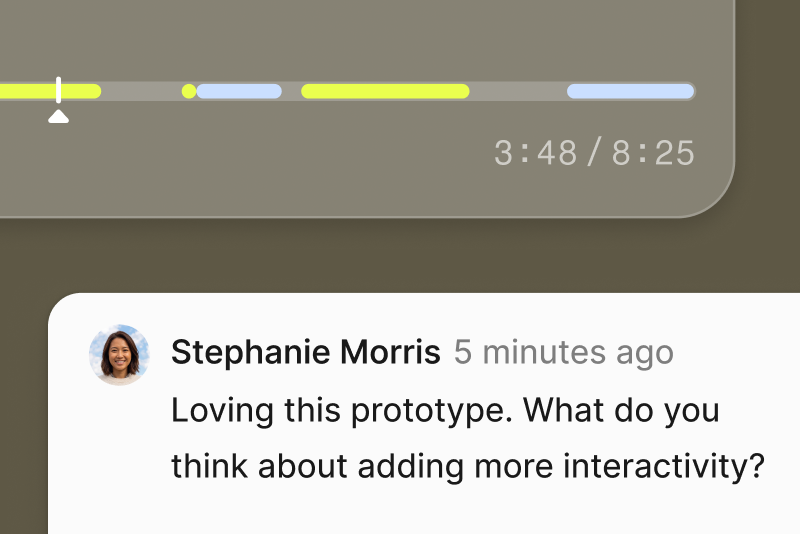
  • Comments

    A comment on a Figma Make file with the text "Loving this prototype. What do you think about adding more interactivity?"A comment on a Figma Make file with the text "Loving this prototype. What do you think about adding more interactivity?"

    Give and receive feedback on a prototype or web app built in Figma Make.

  • Annotations

    Select elements, prompt, and send all changes to the model at once.

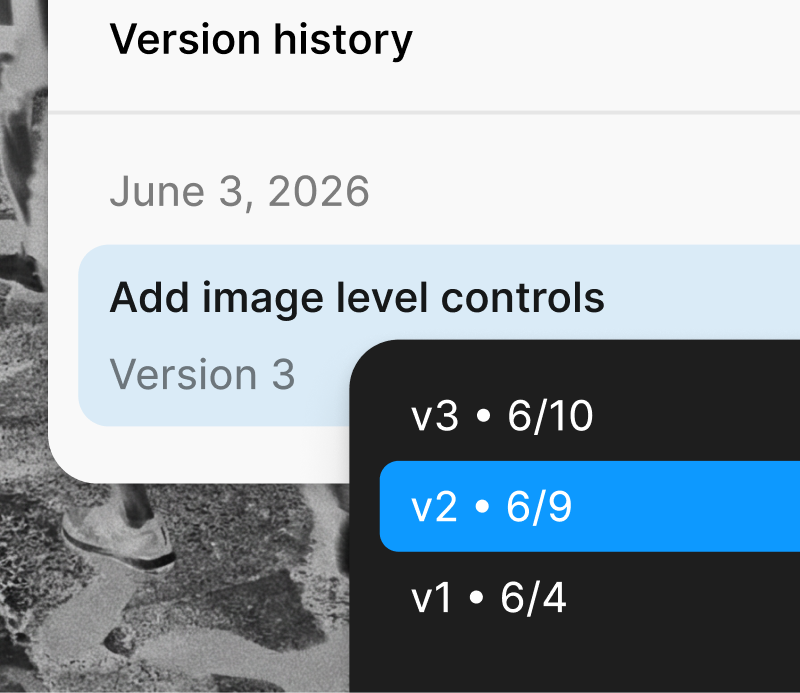
  • Version history

    A Figma Make file dropdown showing three different file versions to choose fromA Figma Make file dropdown showing three different file versions to choose from

    Track every AI and manual edit. Allows you to preview, favorite, or restore any iteration in your project.

  • Voice-to-text prompting

    Dictate your ideas to Figma Make to generate your protoype.

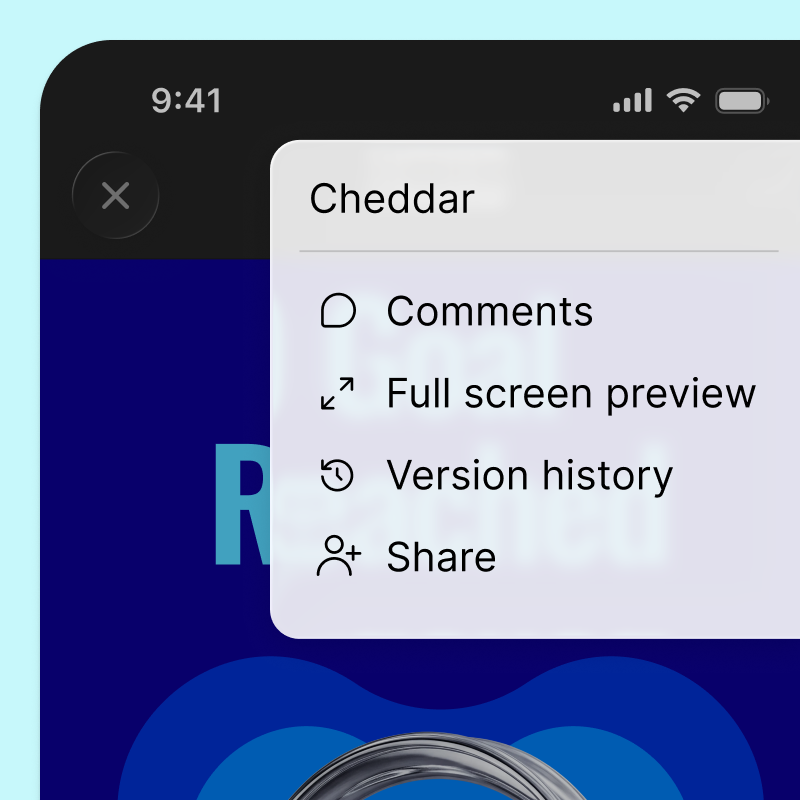
  • Make mobile

    The finished Figma Make on a mobile interface. A menu is overlaid on the Make with the option to view or add comments, preview in full screen mode, view version history, or share the fileThe finished Figma Make on a mobile interface. A menu is overlaid on the Make with the option to view or add comments, preview in full screen mode, view version history, or share the file

    Open a Make on your phone, experience it natively, and view and respond to comments directly in context.

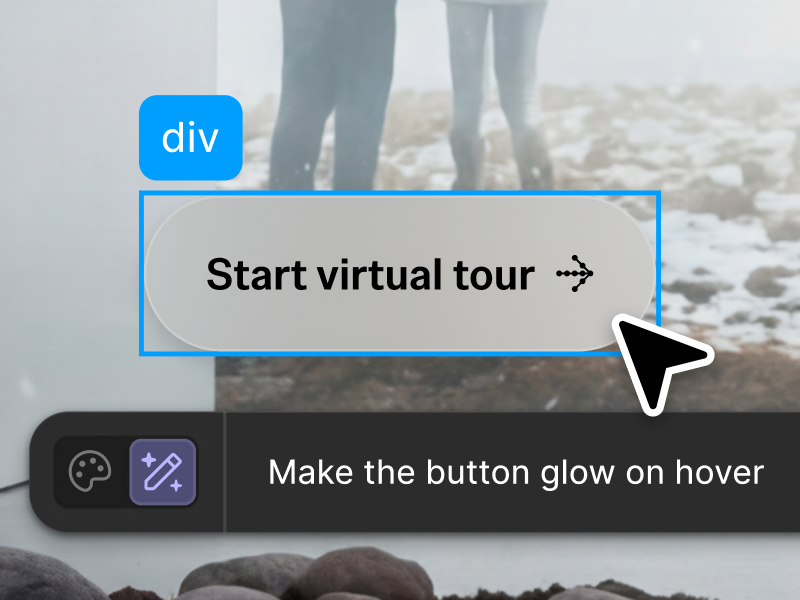
  • Point and edit

    The cursor is highlighting a CTA button, and the AI prompt below says "Make the button glow on hover"The cursor is highlighting a CTA button, and the AI prompt below says "Make the button glow on hover"

    Refine your prototypes by clicking elements to style, swap, or prompt for changes directly in the preview.

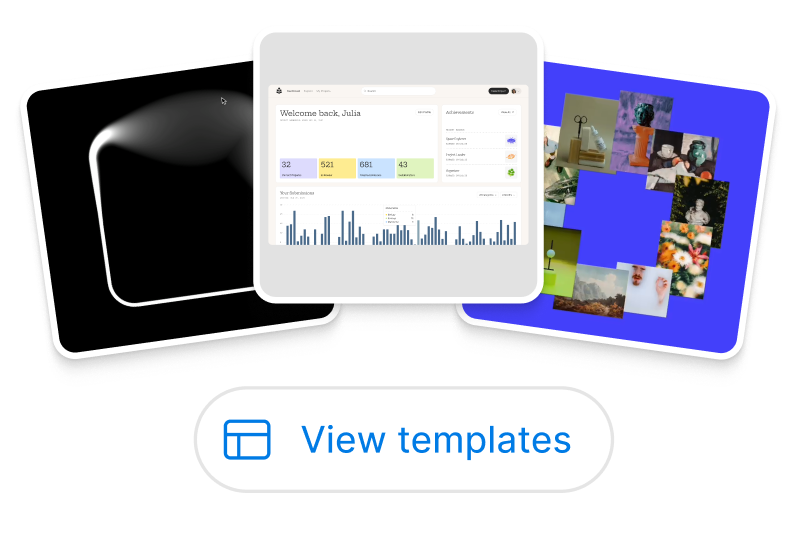
  • Templates

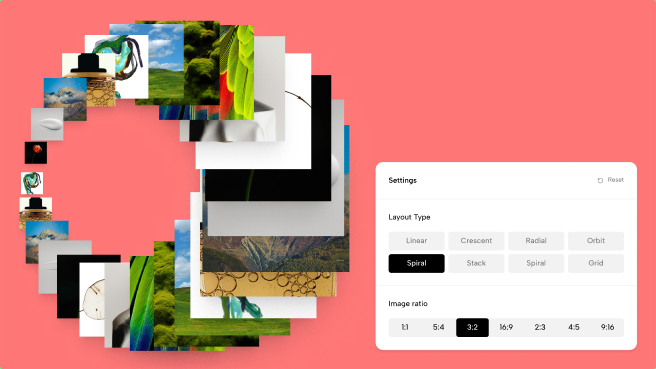
    Three different product screens. The first is a fuzzy white square outline on a black background. The second is a data dashboard. The third is a collection of lifestyle images arranged in a circleThree different product screens. The first is a fuzzy white square outline on a black background. The second is a data dashboard. The third is a collection of lifestyle images arranged in a circle

    Save and reuse proven workflows, turning one Make into a repeatable way of working.

  • Custom fonts

    Add custom fonts from your computer or shared with your organization.