Keep up with Figma’s latest product news, or subscribe to RSS to be the first to know when new releases and updates go live.
Showing 76 results
See AI credit usage in betas
New release
AI
Administration
See AI credit usage in betas
New release
AI
Administration
Now admins can download a CSV file that shows credit use in beta features, so they can get a more holistic picture of AI usage and better forecast future spend. Available on Organization and Enterprise plans.
GPT-5.6, OpenAI's latest and most capable model, is now available in Figma Make. To get started, open the model picker in the Figma Make chatbox and choose GPT-5.6. The model is available on all plans.
To see early results from our testing, read our blog post to learn more.
Run multiple AI image edits and keep designing while they load
New release
Figma
FigJam
Figma Sites
Figma Buzz
Figma Slides
Figma Weave
AI
Run multiple AI image edits and keep designing while they load
New release
Figma
FigJam
Figma Sites
Figma Buzz
Figma Slides
Figma Weave
AI
No more waiting for one edit to finish before starting the next. You can now generate multiple AI image edits at the same time via the tool bar and keep designing while they load.
→ Keep working while AI image edits run in the background.
→ Track progress with updated loading states and icons.
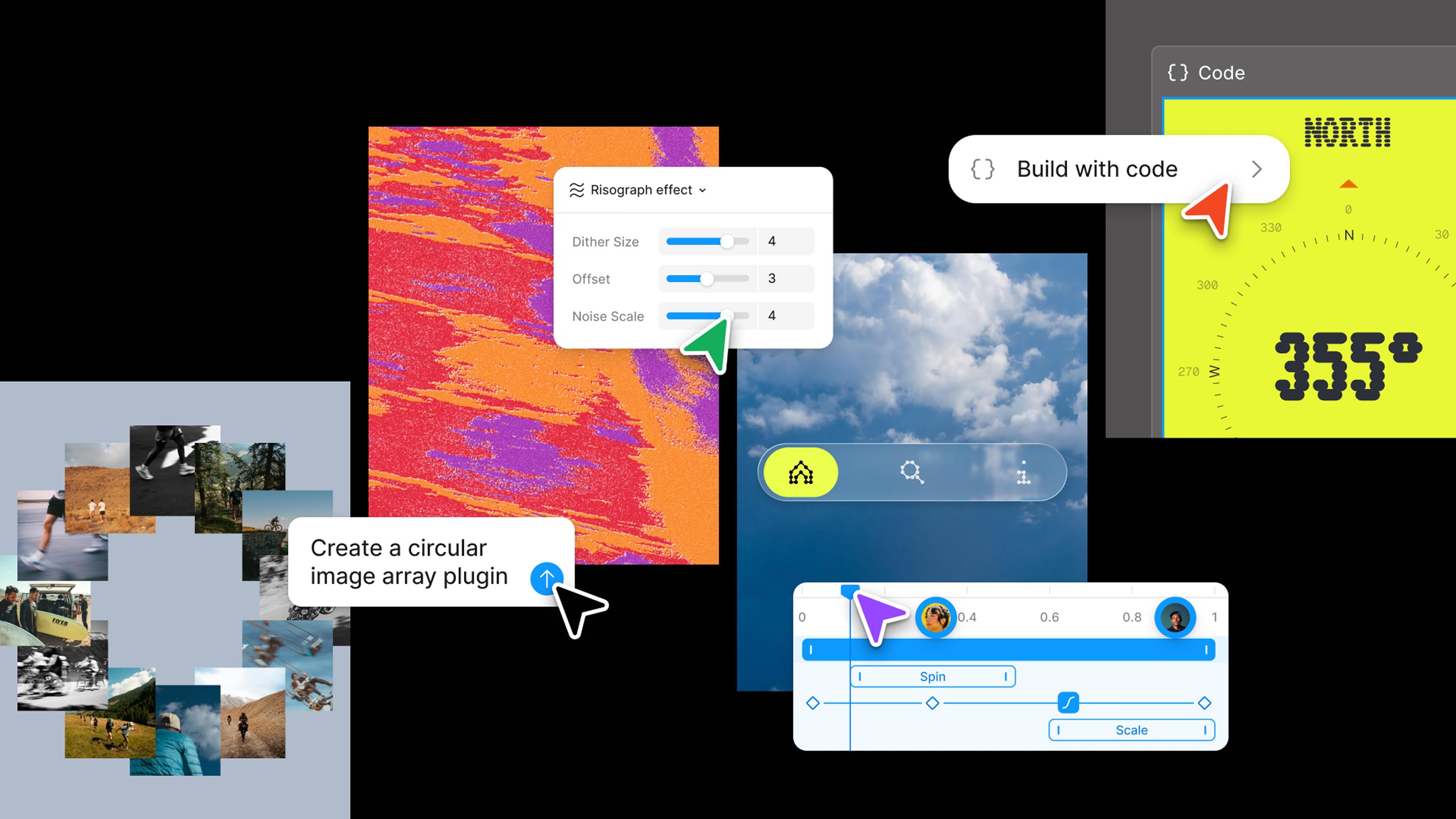
We recently announced new features and capabilities that expand what you can do in Figma. Here’s everything we shared at Config 2026:
Create with new materials. Motion, depth, texture, and code — all on the canvas now.
Motion: Create precise, expressive animations in the timeline or with the Figma agent. Build out reusable systems, and ship dev-ready animations. Learn more.
3D transforms: Give your designs and images 3D dimension and depth. Combine with motion to make objects move like they do in the real world. Beta signup
Shaders: Describe what you want and our agent will build it for you—shareable and ready to bring texture to your files. Learn more.
Code layers: Prompt interaction ideas, compare directions, and dial in the details—starting from designs or your codebase. Beta signup
Create custom tools. The Figma agent connects to your tools, your files, and your team.
Agent skills: Add skills, attachments, or connectors to help the Figma agent help you — more context for the agent, more control for you. Learn more.
Agent in FigJam and Slides: Generate boards and diagrams in FigJam and draft and bulk-edit decks in Slides. Beta signup
Generative plugins: Tell the Figma agent what you need and let it generate custom tools for your creative work. Learn more.
Figma Weave tools: Get quality assets on repeat with tools that transform any visual — style transfer, perspective shifts, and more, without leaving Figma. Learn more.
Weave workflows: Create and publish Weave workflows as a tool or a template file for others to use on the Figma Community. Try them out.
Web search is now available in the Figma design agent. Pull in live web context, find best practices, and populate designs with real-world content instead of placeholders, all without leaving your file. To get started, users can prompt "search the web" in the chat or turn on web search in the plus menu.
For admins: Org admins on the Organization and Enterprise plans can manage web search access in settings. Web search is enabled by default in the organization, but individual users must toggle it on in chat.
Enterprise customers can now access AI credit usage data programmatically via the new AI usage credit API.
Use the new API endpoint to get daily credit consumption broken down by user, product (Design, Make, FigJam, etc), workspace, and team. This makes it easier to build internal reports and track adoption progress across your organization.